Show data markers
Last updated: 2/24/2020
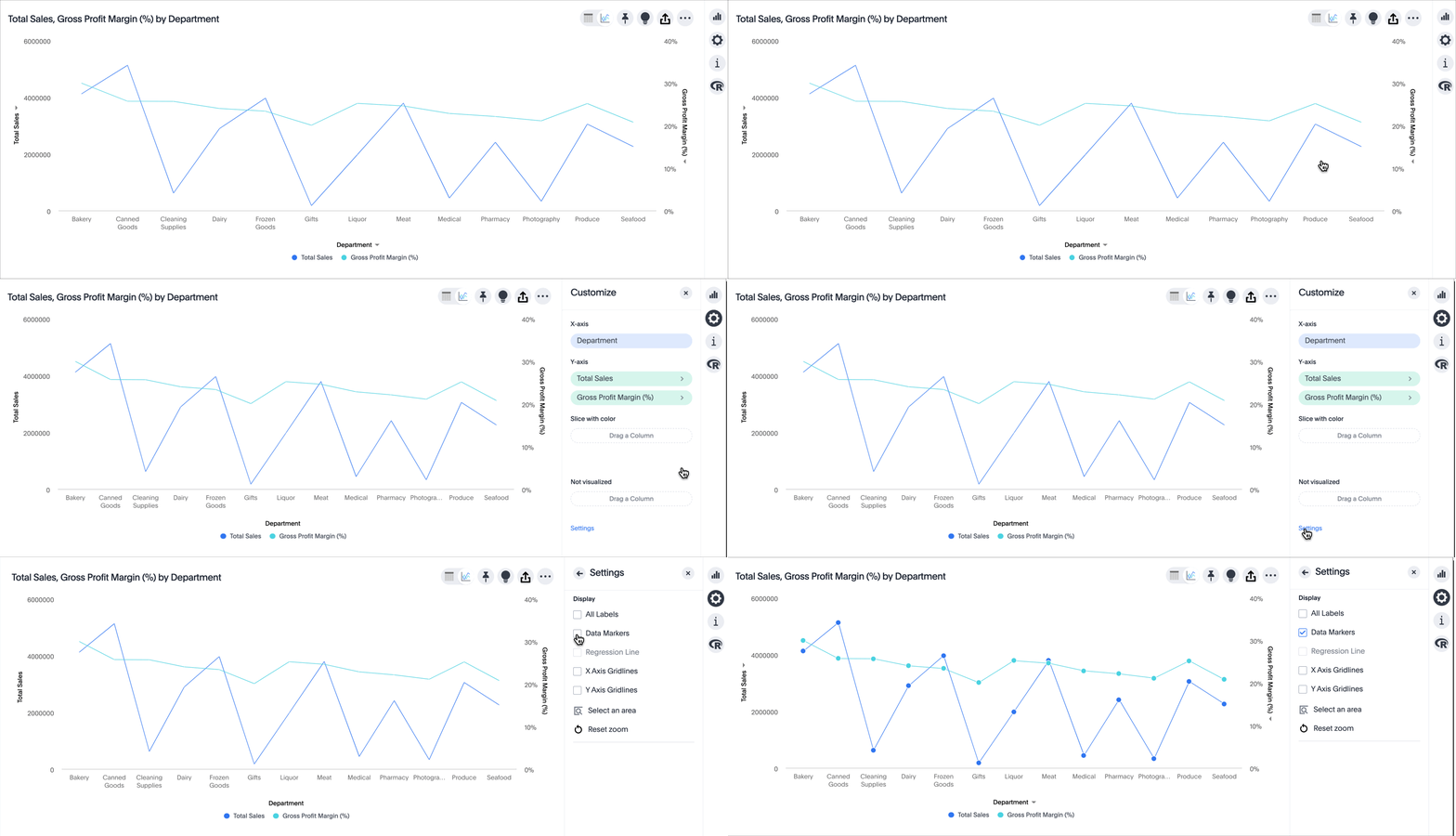
For some charts, like line charts, you can show data markers.
To show data markers, follow these steps:
-
While viewing your search or Answer as a chart, select the chart configuration icon
 on the upper right.
 -
Select Settings at the bottom of the Customize menu.
-
Select Data Markers.
Was this page helpful?Give us feedback!


